
How the Running Quote Sticker Generator Works
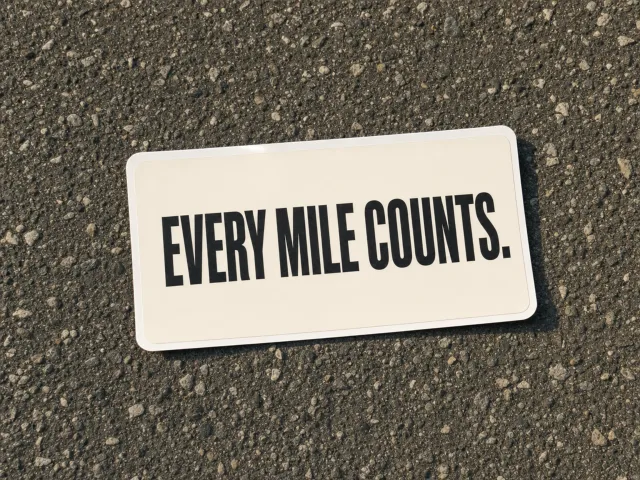
The generator does one thing: produces a transparent PNG sticker with a Nike-tier running quote in pure white text. No logo, no wordmark, no border, no decoration — just the words. You pick a mood from seven curated vibes (Hyped, Spent, Grateful, Defiant, Playful, Hardcore, Why I Run), the generator pulls a randomly selected quote from a vibe-tagged library of 36 lines per mood (252 per locale, locale-native), and renders it onto a transparent 1080×1080 canvas.
The PNG is exported via Canvas 2D API, which gives sharper edges than html2canvas and reliably preserves the alpha channel across browsers. The Inter Black 900 typeface is loaded explicitly to match Strava's share-sticker visual language. Output is a single 1:1 square — the universal aspect ratio that drops cleanly into Instagram feed, Instagram Stories (centered), TikTok, 小红书 image posts, and Strava share cards without re-cropping.
How This Differs From Strava's Stats Sticker
Strava's built-in Stats Sticker shows your run as data — pace, distance, elevation, average heart rate. It is auto-generated when you tap Share → Instagram Stories inside the Strava app, and gives Strava users one-click access to a stats-only sticker on their Story. The Running Quote Sticker is the missing other half. Where Strava's sticker shows what happened, ours shows what it felt like — a Nike-style motivational quote in pure white text on a transparent PNG, no logo, no stats, no wordmark.
The two pair naturally. Drop the Strava stats sticker on the photo to show pace and distance, then layer a quote sticker beside it to show the emotion — Hardcore on a track session, Spent at mile 22, Grateful on a perfect Sunday long run. The transparent PNG output sits cleanly on any background and layers freely in IG Story, Reels, TikTok, 小红书 image posts, or Strava share cards.
If you do not use Strava at all, this tool still works as a standalone. Garmin Connect, COROS, Apple Fitness, Suunto, and treadmill runners all ship a finish-line photo or selfie — the quote sticker turns that photo into a Story-ready post without needing a data overlay. The 7 mood chips cover the full emotional range of a run, so the line on the sticker matches the actual run, not the same generic quote every time.
Why Transparent Stickers Beat Text-On-Photo
Most quote generators render text directly onto a background image — the result is a flat composite you cannot move, reposition, or layer. A transparent sticker is the opposite: it is a floating text layer you can drop on any photo, in any app. Slide it across your share card, tilt it on an Instagram Story, scale it down into a corner, or stack two together. The photo and the words stay independent.
The trade-off: when you open the raw PNG in a viewer with a white background, the white text appears invisible. That is correct. Stickers are meant to be overlaid — drop the PNG onto your dark run photo in Instagram Story or your editor of choice, and the words snap into view. The transparency is the feature, not a bug.
Picking the Right Mood for the Moment
Match the mood chip to the emotional truth of the run, not what you wish the run had been. Hyped fits the morning of a goal race, Spent fits the photo from mile 22, Grateful fits the easy long run on a perfect Sunday. Defiant works for the comeback run after an injury, Playful fits the slow trail miles with friends, Hardcore fits the workout that broke you, and Why I Run is the meta — the run that reminded you why you do this at all.
For Instagram Stories: save the PNG to camera roll, open the Story camera with your run photo, tap the sticker icon, choose Add from camera roll, then drag the sticker onto the photo. The white text reads cleanest on darker images — sunrise silhouettes, finish-line shots, asphalt close-ups. For brighter photos, position the sticker over a darker region (shadow, sky, asphalt) so the white pops.